Free VST Plugins · Browser DAW
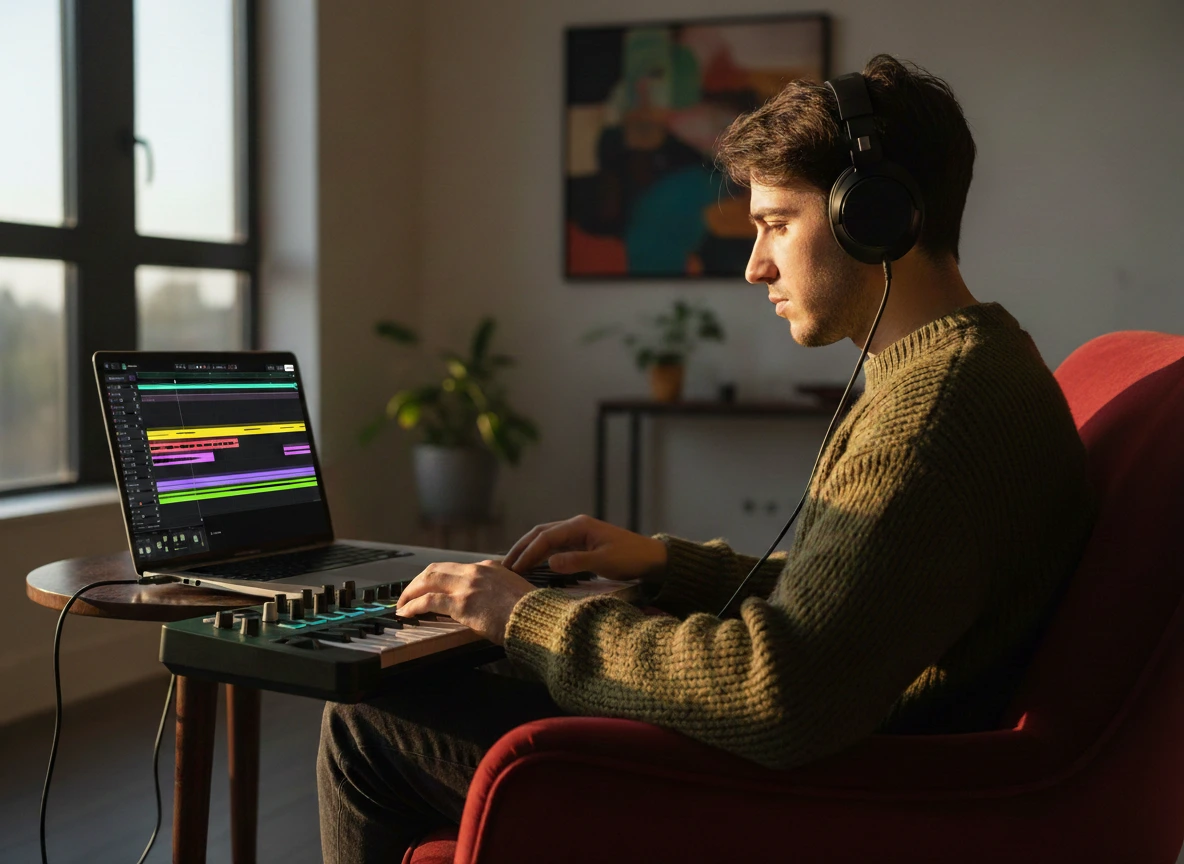
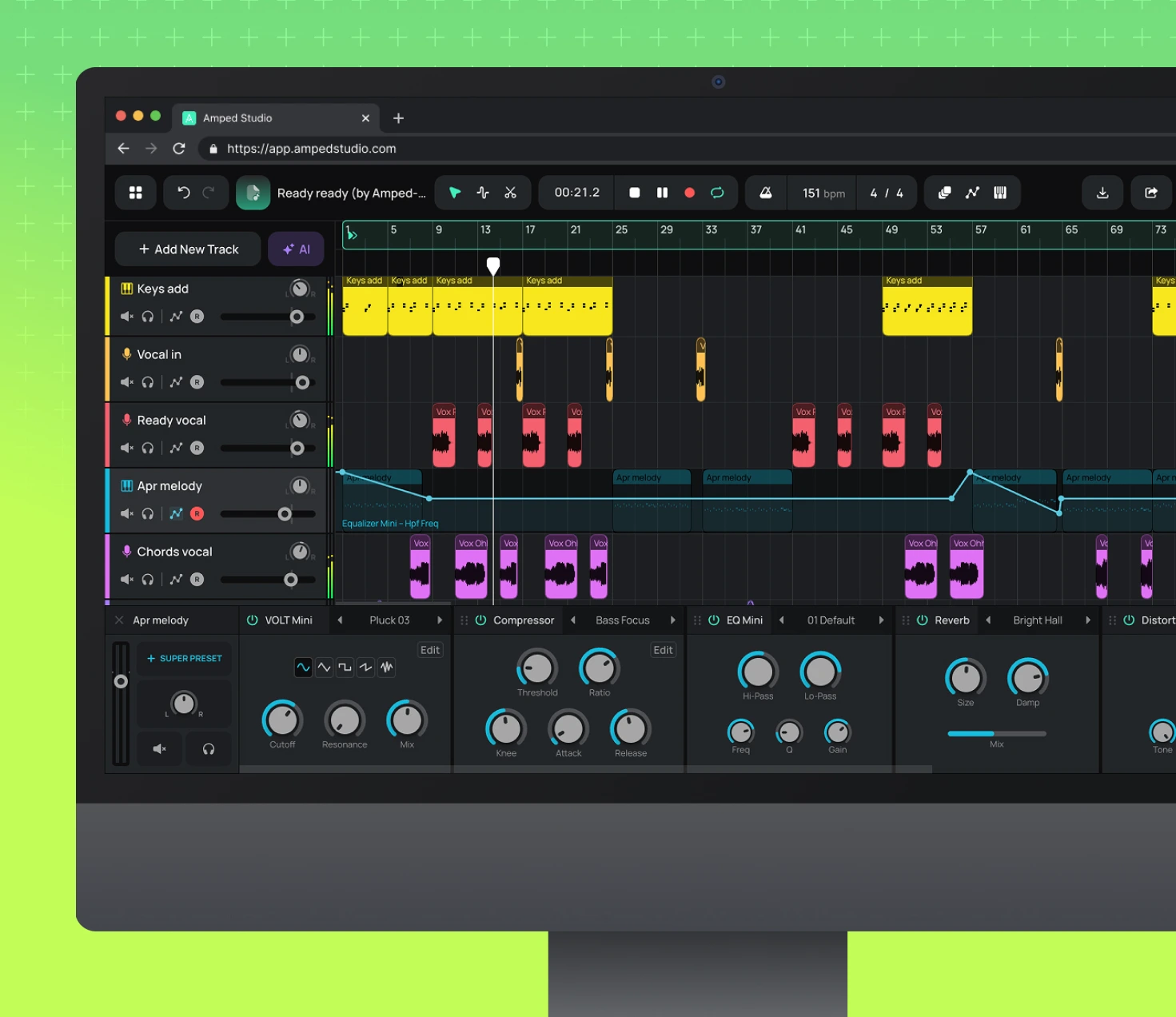
Amped Studio is the only browser-based DAW that loads your locally installed VST plugins into the session. Use the synths and effects you already own — no switching to a desktop app.
1st
Online DAW with VST
Win + Mac
Both platforms
< 2 min
Setup time
What's different
Desktop DAWs have not changed their core architecture in 20 years. You install software, manage plugins across machines, lose hours to configuration, and your work is tied to one computer. VST Remote keeps your plugins where they are — installed on your machine — and brings them into a session you can open from any browser.

Browser DAWs typically lock you into their built-in instruments and effects. Amped Studio gives you access to the entire world of VST plugins playable inside the browser.
VST Remote bridges your locally installed VST and VST3 plugins - instruments, effects, pitch correction, anything - to the browser session. The plugins you already own work as-is.
No boot time. No loading screens. A browser tab opens in seconds. When an idea hits, you're recording in under 30 seconds - not waiting for a DAW to initialize and scan your plugin library.
Sessions save to the cloud automatically. Open a project on your studio desktop, continue on your laptop. Desktop DAWs require manually moving project files and hoping plugin versions match.

VST Setup
VST Remote is a lightweight bridge app that connects your installed VST plugins to Amped Studio. Plugins run on your computer like they would in any desktop DAW — Amped Studio just hosts them in the browser.
Step 1
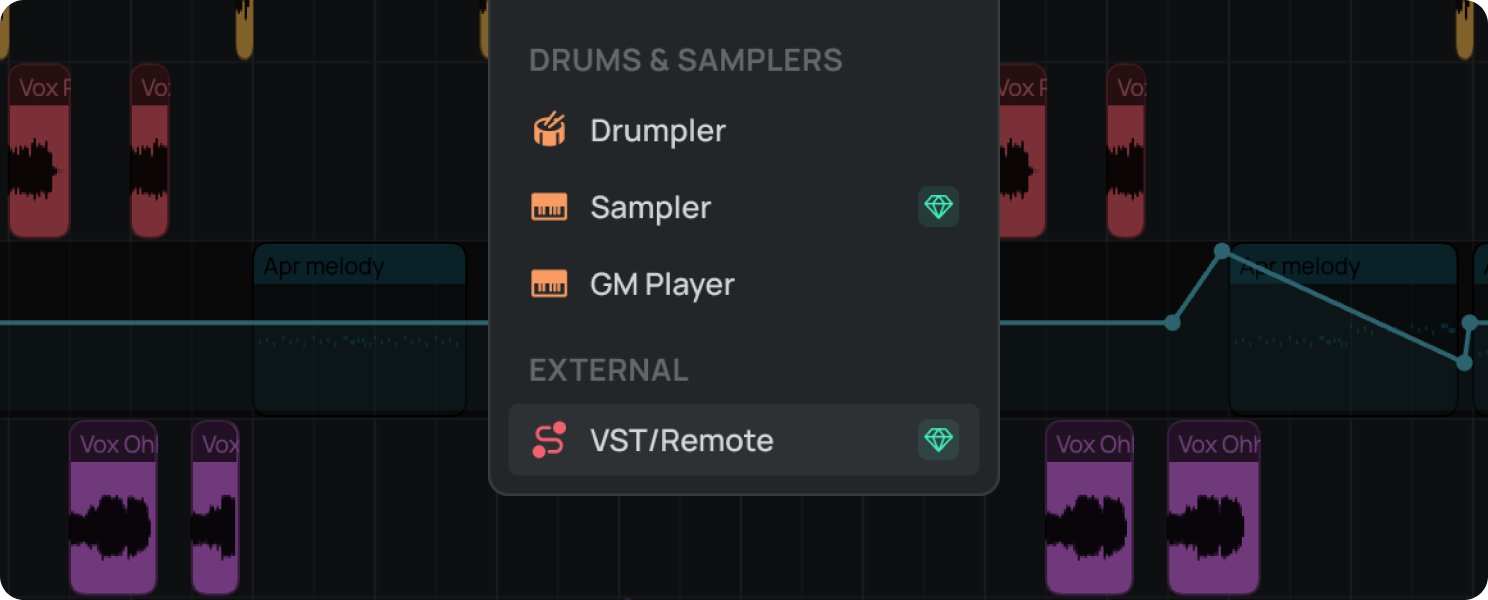
In Amped Studio, click + Add New Track or Add Effect and select VST Remote from the device menu.
Step 2
Step 3
Once installed, VST Remote bridge runs in the background when Amped Studio is launched.
Step 4
Pick your plugin from the VST Remote dropdown, and the plugin UI opens in a small window inside your browser.
If your VSTs live outside the default directory, paste the path in Settings → Custom search path. All plugins in that folder will appear in the selector automatically.
Plugin Categories
Any VST2 or VST3 plugin installed on your computer works via VST Remote. That includes every category of instrument and effect — from free downloads to your most expensive licensed plugins.

Wavetable, analog, granular, and FM synths. Free VSTs like Vital offer professional sound design capability with zero spend.

Pitch correction, harmony, reverb, and modulation plugins for vocals. Process your voice with any installed vocal VST.

Sampled grand pianos, electric pianos, organs, and clavs. Free options like Spitfire LABS deliver professional quality at no cost.

Compressors, limiters, EQs, and saturation. All your mixing tools load as effects on any track - just like in a desktop DAW.

Acoustic kits, electronic drum machines, and sample packs. Load any free drum kit VST and trigger it with MIDI directly from the browser.

String sections, brass, woodwinds, choir, and full ensemble libraries. Even large-format orchestral plugins load and respond via the VST bridge.
Format Guide
Both formats work with Amped Studio's VST Remote. Here's what the difference means in practice so you can make the right choice when both versions of a plugin are available.
Original format
The original Steinberg plugin format from 1996. Still works in virtually every DAW and via VST Remote. A huge library of great plugins ships in this format.
- Universal DAW and host compatibility
- Massive existing plugin library
- Simple install — single .dll or .vst file
- No CPU savings when plugin is idle
Recommended
Current industry standard released in 2008. More efficient and more capable than the original VST format. If a plugin offers both versions, pick VST3.
✓Idle plugins use no CPU
✓Flexible sidechain and routing options
✓Per-note expression and modulation
✓Better preset and state management
Both VST and VST3 work in Amped Studio
VST Remote supports your full installed plugin library regardless of format. No need to re-purchase VST3 versions of plugins you already own.
Just getting started? Get clear answers to start creating music online.

Let's try
Sign up, install the bridge once, and your VST plugins are playable in any browser tab. Your favorites, your sound.
Amped Studio uses cookies to ensure you get the best and most relevant experience.
Read more about how we use cookies in ourPrivacy Policy.