AI STEM SEPARATION · Browser DAW
AI Stem Splitter: Isolate Vocals
and Extract
Any Instrument
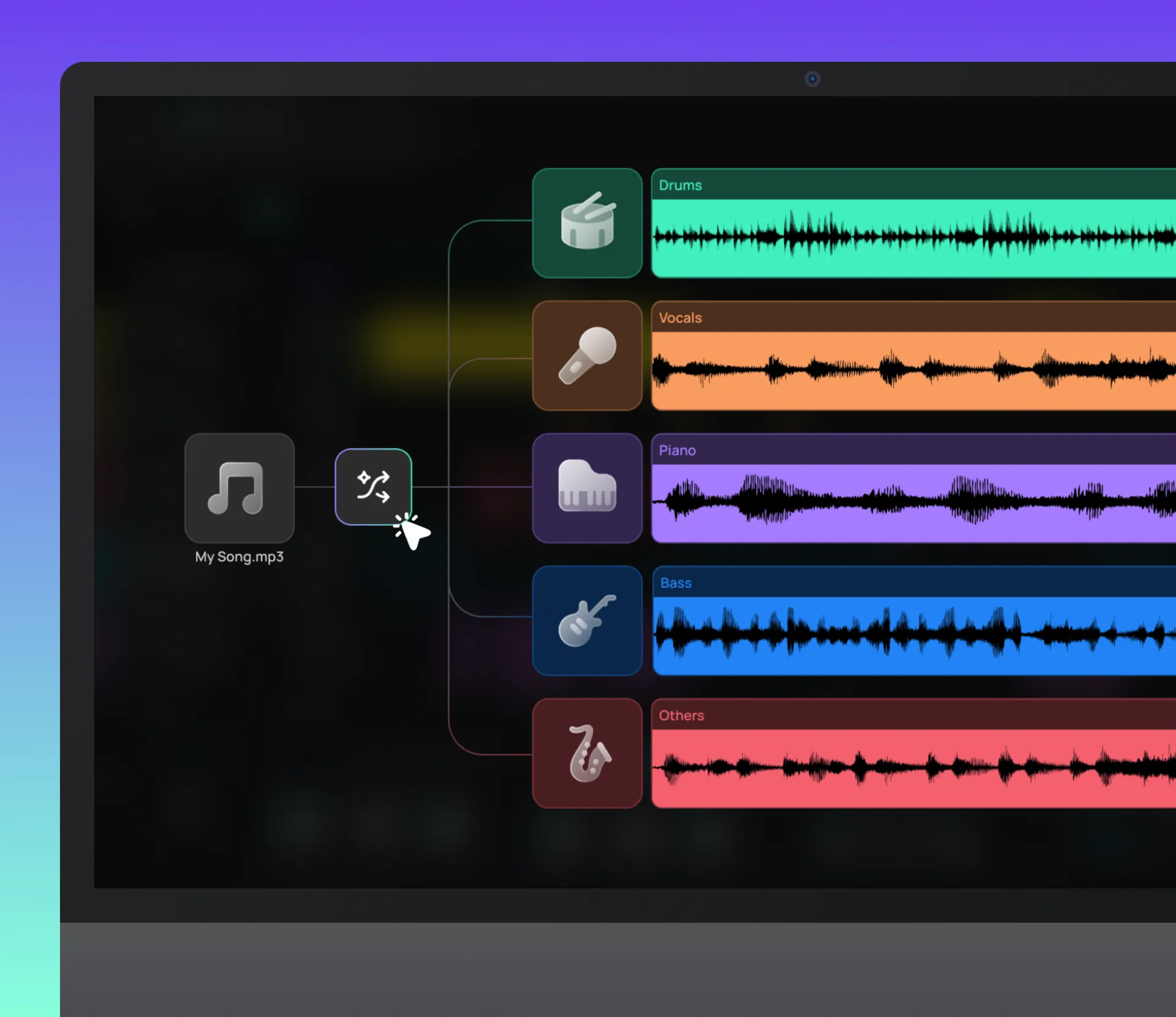
Amped Studio separates any song into individual stems — vocals, drums, bass, piano, and other instruments. The results land directly in your project as editable tracks, so you keep working without switching tools.
2, 4 or 5 Stems
VOCALS · DRUMS · BASS · PIANO · OTHER
Work Online
IN YOUR BROWSER
2, 4 or 5 Stems
VOCALS · DRUMS · BASS · PIANO · OTHER
Work Online
IN YOUR BROWSER
What's different
Why an online stem splitter inside your DAW changes the workflow
Most online stem splitters are standalone web tools. You upload a file, wait for processing, download the stems, then open your DAW and import them one by one. That's four steps before you can start working.
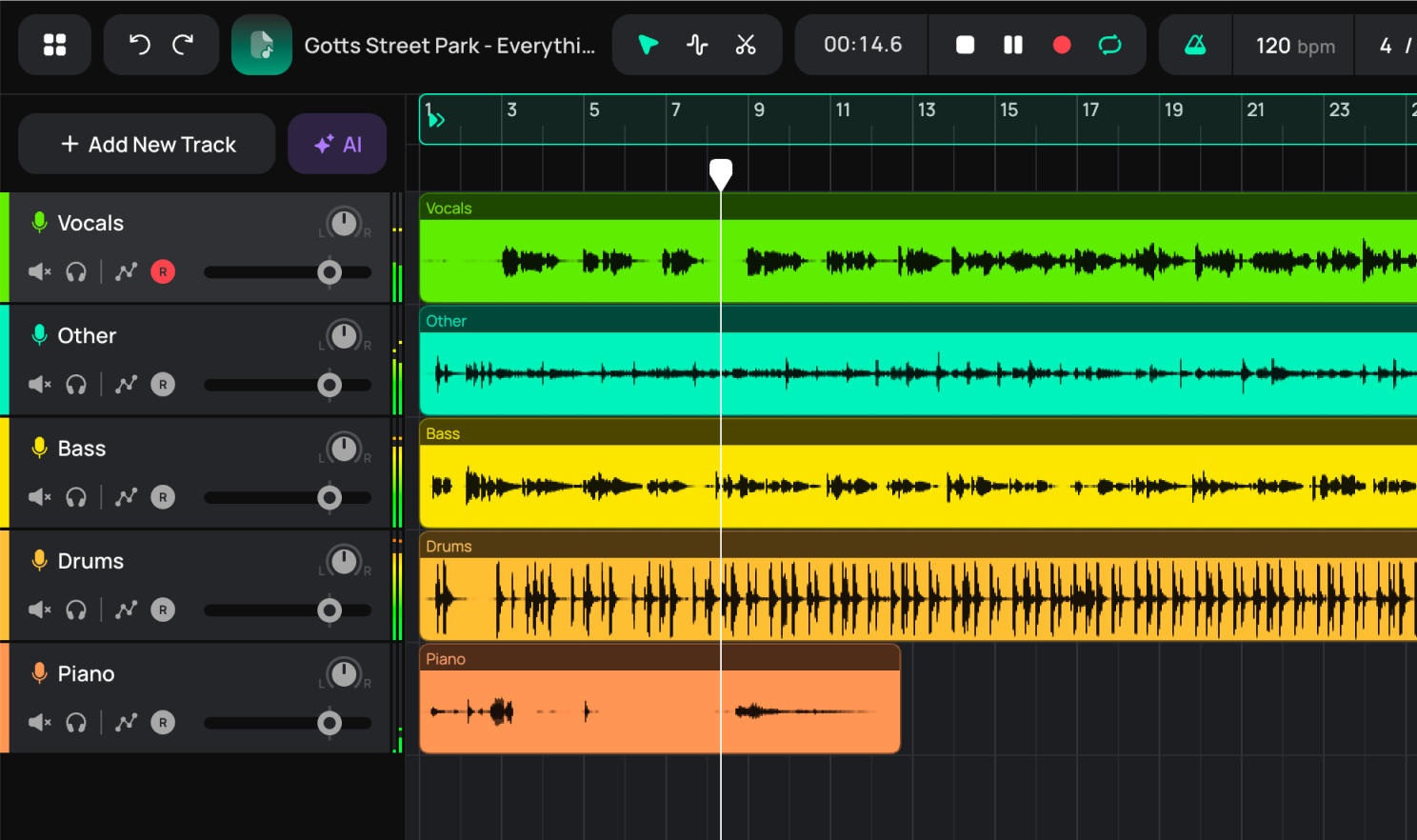
With Amped Studio, the split happens inside your session. Drop in the file, choose your stems, and each one appears as an individual track in your project — already in sync, ready to edit, effect, or build on. No export. No re-import. No context switch.

Extract an instrumental version or isolate vocals
Remove vocals from a song and keep the instrumental, or isolate vocals and leave the music behind. Use it for karaoke or sing-along sessions with your favorite tracks.

Learn instrument parts by ear
Isolate the bass line, isolate drums from the song, or pull out the piano part and hear it on its own — without all the other instruments playing at the same time. Individual parts that get buried in a full mix become easy to follow, transcribe, or reproduce.

Sample, remix, or build something new
Extract a drum groove, a vocal hook, or a bass line and remix a song or build something entirely new directly in your project. Each stem lands as its own track in Amped Studio — ready to edit, chop, pitch, process with effects, or layer with new parts.
HOW IT WORKS
Split any song in four steps
Drop in any track up to 5 minutes long and choose how many stems you need. The AI does the rest — no plugins, no installs, no separate tools. Each stem lands directly in your Amped Studio project as an individual track, ready to work with.

Step 1
Open Amped Studio
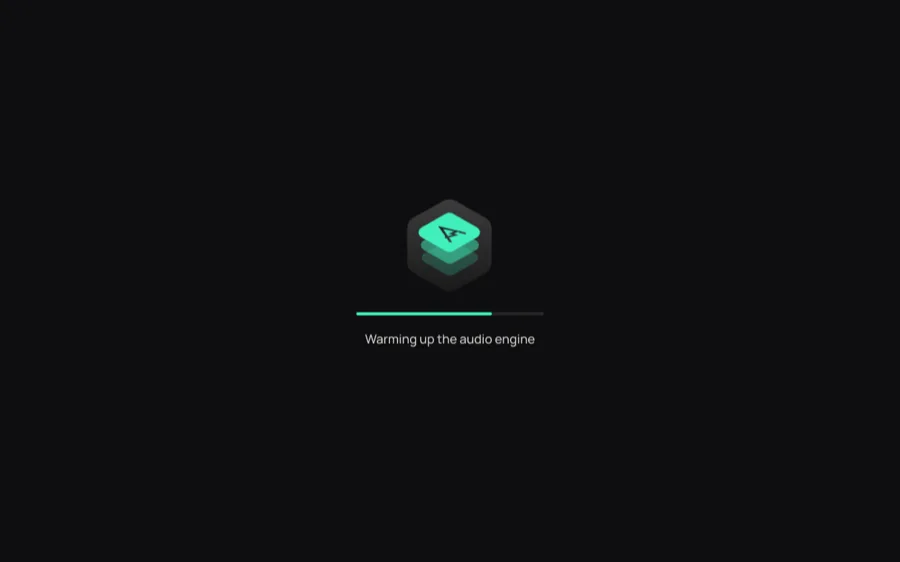
Sign in or register — no download, no install. Your session opens in the browser in seconds.

Step 2
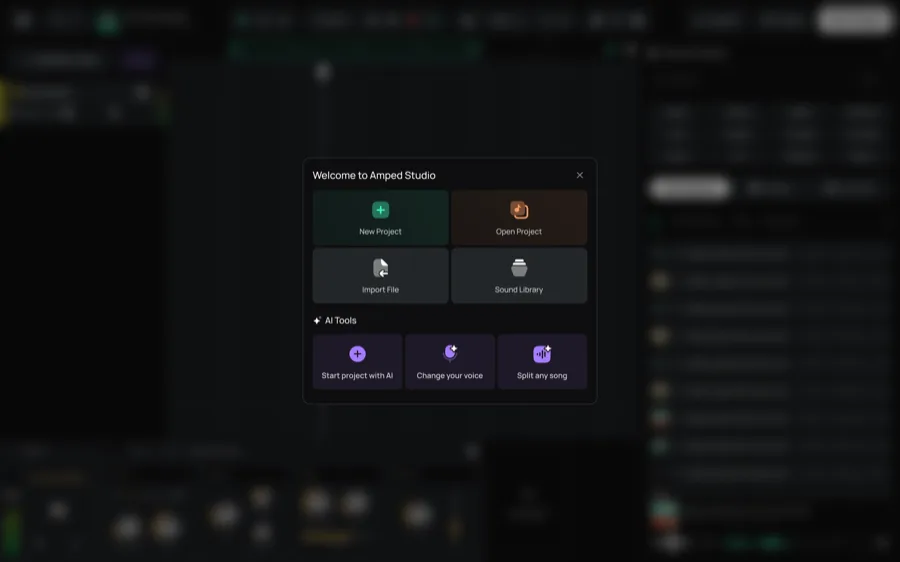
Select "Split any song"
When Amped Studio opens, the welcome screen gives you direct access to the tool. Click "Split any song" to open the AI stem separator — no digging through menus.

Step 3
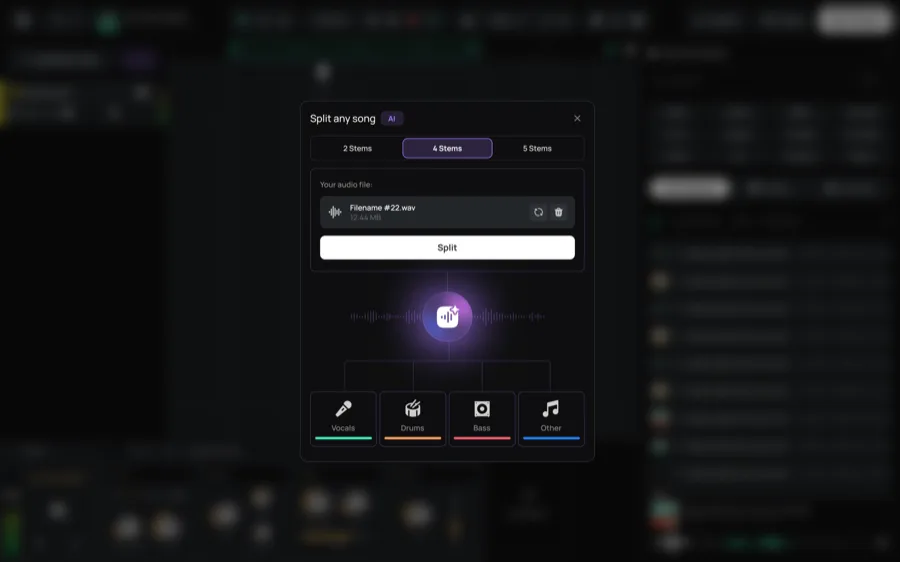
Upload your track and choose your stems
Drop in your audio file or select it from your library. Pick 2, 4, or 5 stems depending on how detailed you want the separation — vocals and instrumental only, or a full breakdown into drums, bass, piano, and other.

Step 4
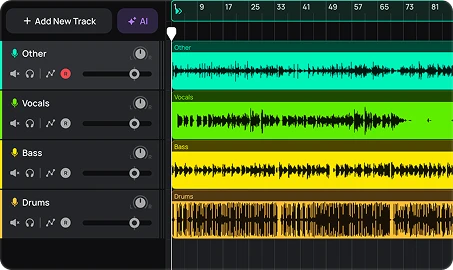
Work with the results
Each stem appears as a separate track in your project. Solo any part, edit it, or build something new — the session is yours from here.
STEM TYPE
The stems you get
Need just vocals and instrumental? The 2-stem split is the fastest way to remove vocals from a song or isolate vocals as an acapella.

Vocals
Isolated vocals, separated from the mix. Use them as an acapella, a reference for pitch or melody, or a starting point for harmonies and doubles.
Drums
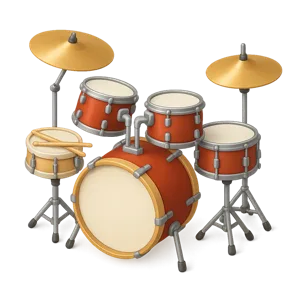
The full drum part of your track — the rhythm and pulse that drives the song. Hear the pattern on its own, study how it was played, or use it as a foundation to write over.
Bass
The bass line drives the groove of any track — but buried under guitars, keys, and drums, it's rarely easy to hear clearly. Isolated, you catch every note, every slide, every rhythmic detail.

Piano
Harmonic structure on its own. Useful for chord analysis, studying the arrangement, or hearing how the keys part supports the rest of the track.
Other
Guitars, synths, strings, and everything else that doesn't fit a named stem. In dense arrangements, some elements may land across multiple stems rather than cleanly in one.
PRICING
Try it free. Go unlimited when you're ready
AI Splitter is available on all plans. Free users get one split per 24 hours to try the feature. Unlimited stem separation is included with Pro.
Starter
FREE
✓ AI Splitter Demo
✓ AI Assistant Demo

Included: Unlimited projects, 16 Tracks, MP3 Export, 5 Instruments, 10 Effects
Premium
$6.99 / mo
✓ AI Splitter Demo
✓ AI Assistant Demo
Included: Unlimited projects, Unlimited Tracks, 10GB storage, VST3, WAV Export, 9 Instruments, 21 Effects, 2 Sample Packs
Recommended
Pro
$12.99 / mo
✓ AI Splitter
✓ AI Assistant

Included: Unlimited projects, Unlimited Tracks, 50GB storage, VST3, WAV Export, 9 Instruments, 21 Effects, 8 Sample Packs
FAQ
Just getting started? Get clear answers to start creating music online.
What is an AI stem splitter?
An AI stem splitter uses machine learning to separate a mixed audio track into individual components — vocals, drums, bass, piano, and other instruments. Instead of hearing everything at once, you get isolated vocals, drums, bass, and other stems as individual tracks to work with.
Can I remove vocals from a song for free?
Yes — Amped Studio's AI Splitter is available on the free plan with one use per 24 hours. For unlimited vocal removal and stem separation, upgrade to Pro.
How do I isolate vocals from a song in Amped Studio?
Open Amped Studio and click "Split any song" from the welcome screen. Upload your track, select 2 stems, and the tool extracts vocals from the song and separates out the instrumental. Both appear as individual tracks in your project.
What stems can AI Splitter separate?
You can split a track into 2 stems (vocals and instrumental), 4 stems (vocals, drums, bass, other), or 5 stems (vocals, drums, bass, piano, other). The Other category is a catch-all for guitars, synths, strings, and similar instruments. In dense arrangements, some elements may bleed between stems rather than landing cleanly in one category.
Can I use extracted stems in my own music or videos?
AI Splitter is built for personal use, learning, and creative exploration. If you plan to publish or distribute content that includes stems from copyrighted recordings, make sure you have the appropriate rights or permissions for that material.


LET'S TRY
Make Music Now.
No Downloads,
Just Your Browser.
Record vocals, make beats, build chord progressions, try AI tools and arrange tracks in a smart MIDI editor — right in your browser.