Drum machineBrowser studioNo download
Online Drum Machine:
Play the Pads, Make the Beat
Play a beat on the drum pads or write the pattern in note by note, with the 808 kit and more. It's a real drum machine, easy to play, inside a studio where the beat becomes a full track. No download, no install.
12 drum pads
Multiple kits
Play or program
In your browser
12 drum pads
Multiple kits
Play or program
In your browser

From beat to full track
Start with a beat, end with a song
Making the beat is where it starts. Play it on the pads or write it in note by note, and you have a drum pattern in seconds.
With Amped Studio you don’t have to stop there. You're already in a full online DAW, so that drum beat can be the foundation of a track, not a loop you export and leave behind. Add a bassline, a melody, record vocals, and mix it into a finished song, all in the same place.

Two ways in
Play the pads, or write the pattern

Play the pads
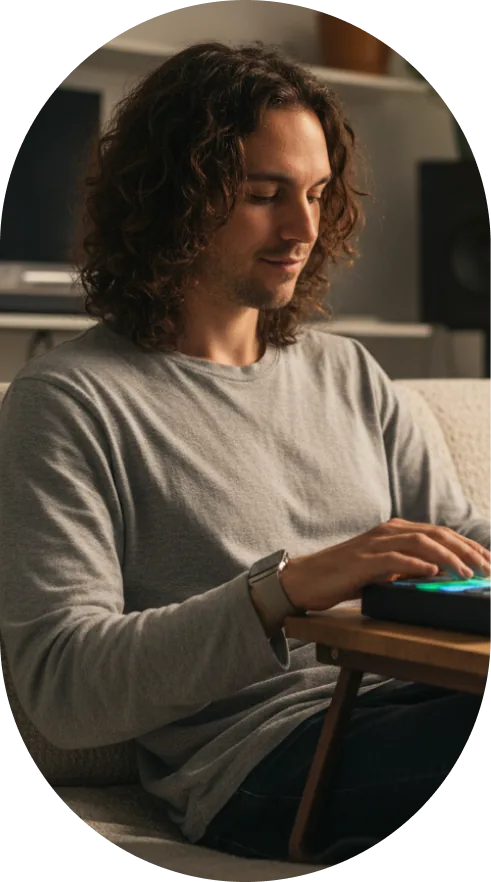
Trigger the pads with your mouse, or play them from your computer keyboard or a MIDI controller. Turn on the metronome, record as you play, then quantize to tidy up anything that landed off the grid.

Write it in the Note Editor
Prefer to sequence every hit yourself? Draw your kick, snare, and hi-hat placements onto the grid, right in the Note Editor, exactly where you want them.

The sounds
Load a kit and start playing
Pick a ready-made kit and you're making beats right away. The 808 Drum Kit is free, along with kits in other styles, from House and Funk to Jazzy and more. Want your own sound? Drop your own one-shots onto the pads and play them as a kit.

Ready-made kits
Load a free kit and start playing, with the 808 and more styles to choose from

Your own sounds
Drag one-shot samples onto any pad and play them straight away

Per-pad control
Adjust the pitch, level, and pan of each sound, trim its start and end, and group pads to choke like real hi-hats

Step 1
Open Amped Studio
Sign in or register, no download, no install. You land in the studio on an open track, ready to go.
Step 2
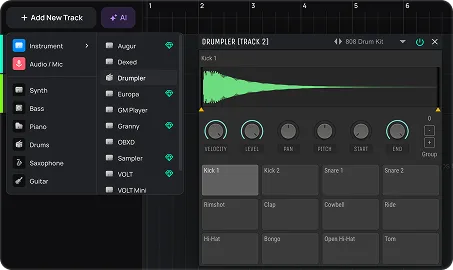
Add Drumpler and load a kit
Add the Drumpler instrument to the track, then load a preset drum kit like an 808, or drop in your own sounds.
Step 3
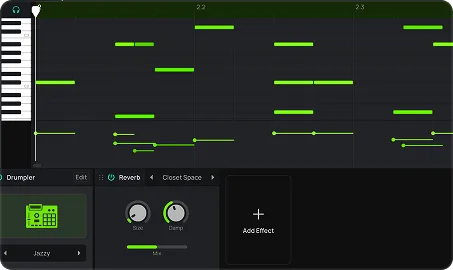
Make your beat
Set the tempo, turn on the metronome, and play the pads to record your beat. Or draw the pattern into the Note Editor by hand. Timing off? Quantize it, or add swing for a looser feel.
Step 4
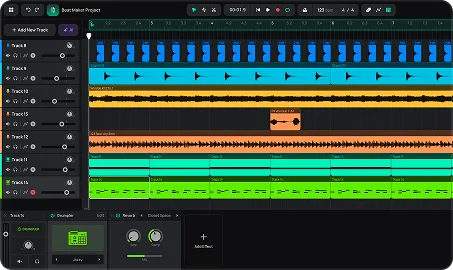
Build on it
Once the beat is down, keep going. Layer a bassline, chords, and other parts on top, then mix and export the finished track.
Best for
Who it's for
Beatmakers
Start with the drums and build the whole beat around them
Hip-hop and trap producers
Program 808-driven beats and build out the rest of the arrangement in the same place
Songwriters
Get a real rhythm track to write and play over, instead of a bare metronome
Beginners
Learn how a beat comes together on the pads, from a four-on-the-floor groove to your first trap pattern
Pricing
Free to make beats. Upgrade for more.
Playing the pads, using the free kits, and writing your pattern is free. Export your track as an MP3 at no cost. Paid plans add WAV export, more sounds and effects, and let you save your own custom kits with your project.
Studio
FREE
For beginner musicians and composers
 Unlimited projects, 16 tracks5 Instruments, 10 FXs0 GB Storage, Export MP3
Premium
$6.99 / mo
For advanced musicians and composers
 Unlimited: projects, tracksUnlock: 9 Instruments, 21 FXs10 GB Storage, Export WAVVST3 Support
Recommended
Pro
$12.99 / mo
Full studio, plus the newest AI models
Unlimited: projects, tracksUnlock: 9 Instruments, 21 FXs50 GB Storage, Export WAVVST3 SupportFAQ
Just getting started? Get clear answers to start creating music online.
What is an online drum machine?
An online drum machine is a browser tool for making drum beats. In Amped Studio you play a beat on the drum pads or write it in the Note Editor, using drum kits in different styles, then build it into a full track. No download needed.
How do I use the drum pads?
Load a kit and trigger the pads with your mouse, your computer keyboard, or a MIDI controller. Turn on the metronome and record your beat as you play, or draw the pattern into the Note Editor by hand. The pads are mapped to your keyboard, so you can finger-drum right away.
Is there an 808 kit?
Yes. The 808 kit is one of the free presets, ready to load and play, with more kits in other styles alongside it. You can tune each pad's pitch, so you can shape the 808 sounds to fit your track.
Can I use my own drum sounds?
Yes. Drag your own one-shot samples onto the pads and play them as a kit. Saving that custom kit with your project is a paid feature.
Is it free, and do I need to download anything?
Making a beat is free and runs entirely in your browser, no download or install. MP3 export is free; WAV export and saving custom kits come with a paid plan.
Can I use my beat in a full track?
Yes. The drum machine lives inside the studio, so you can add basslines, melodies, and vocals around your beat and build out a whole track, all in the same browser tab.
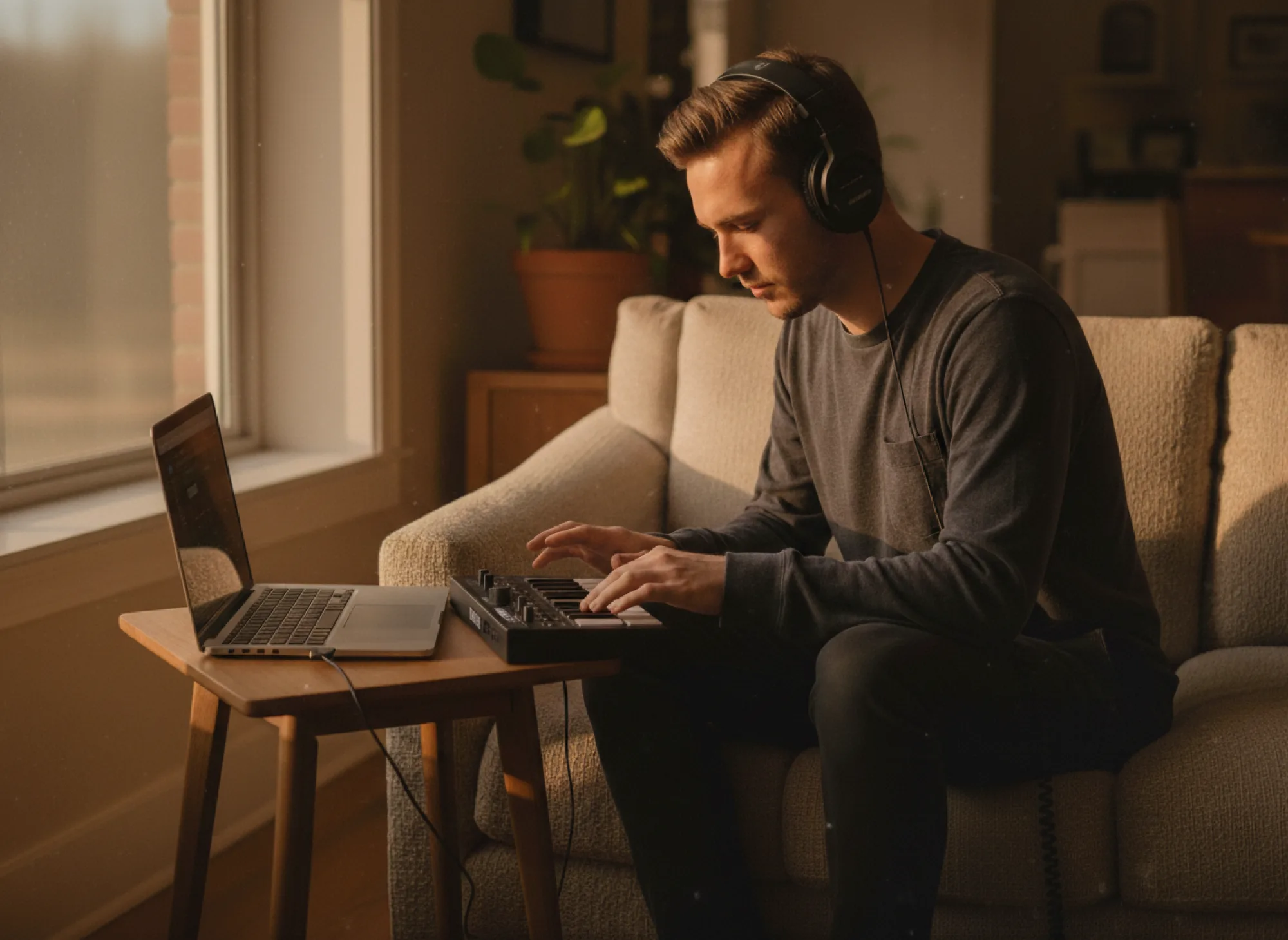
Let’s try
Make a Beat Now.
No Downloads,
Just Your Browser.
Record vocals, make beats, build chord progressions, try AI tools and arrange tracks in a smart MIDI editor — right in your browser.