Online DAW · Browser Music Production
Free Online DAW: Make Music in Your Browser
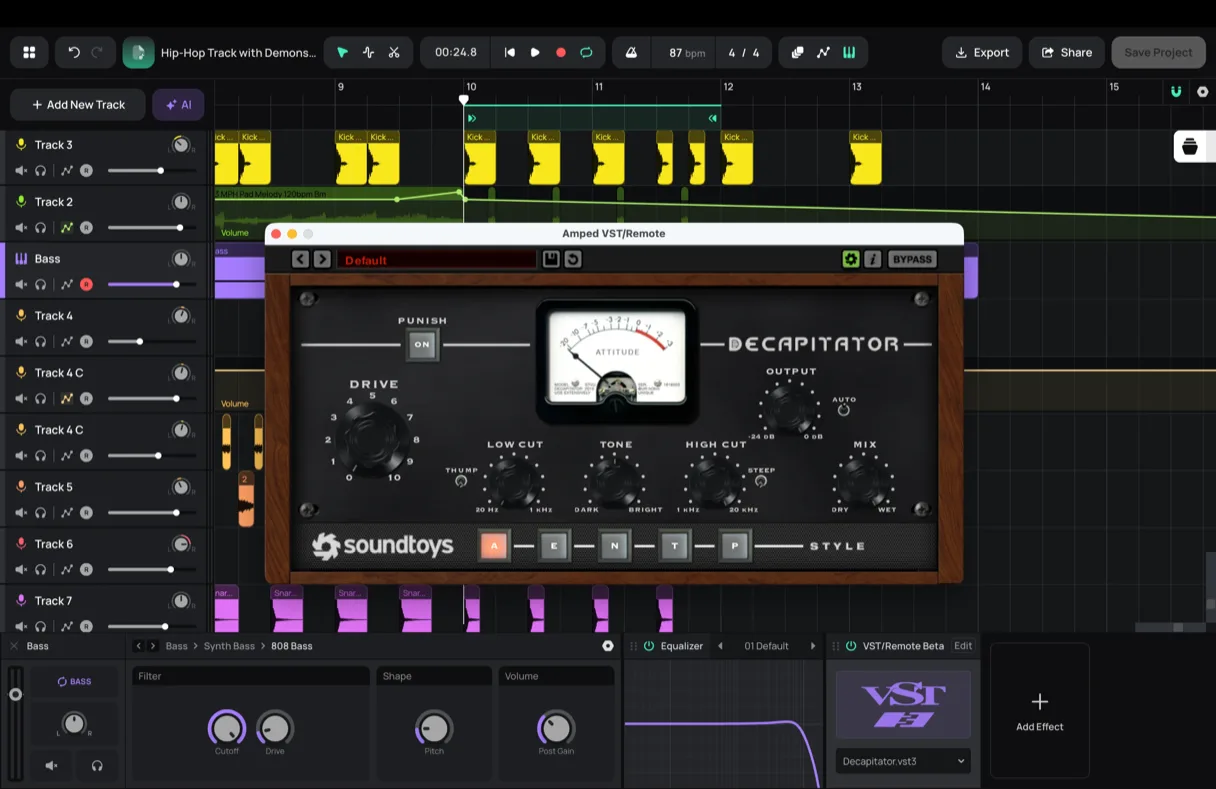
Amped Studio is full music production software that runs in your browser. Record, make beats, program MIDI, play virtual instruments, add effects, and mix a complete track, with AI tools built in. No download, no install.
What's Different
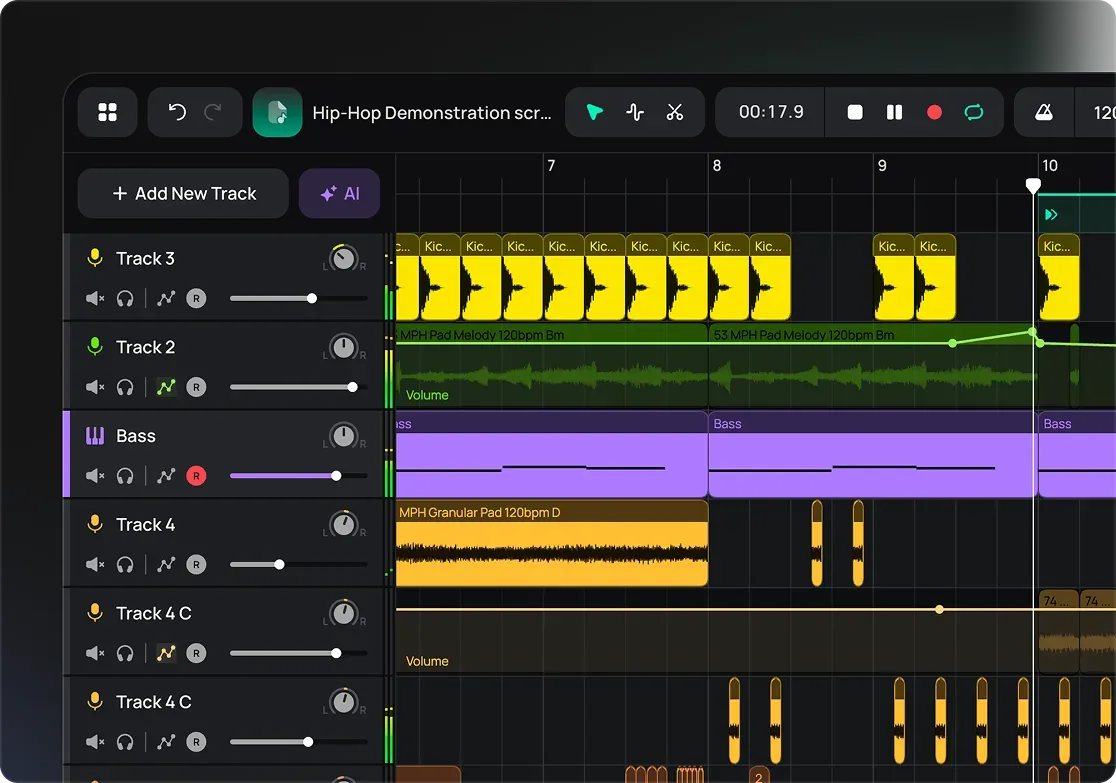
A full studio in your browser, with nothing to install
Open the page and the whole studio is right there. Recording, beats, MIDI, instruments, effects, mixing. No app to download, no setup, no license to activate before you start.
Your projects save to the cloud as you work. Close the tab, open it on another computer, pick up where you left off. And the DAW itself is free, not a locked-down demo.
The Basics
What is an online DAW?
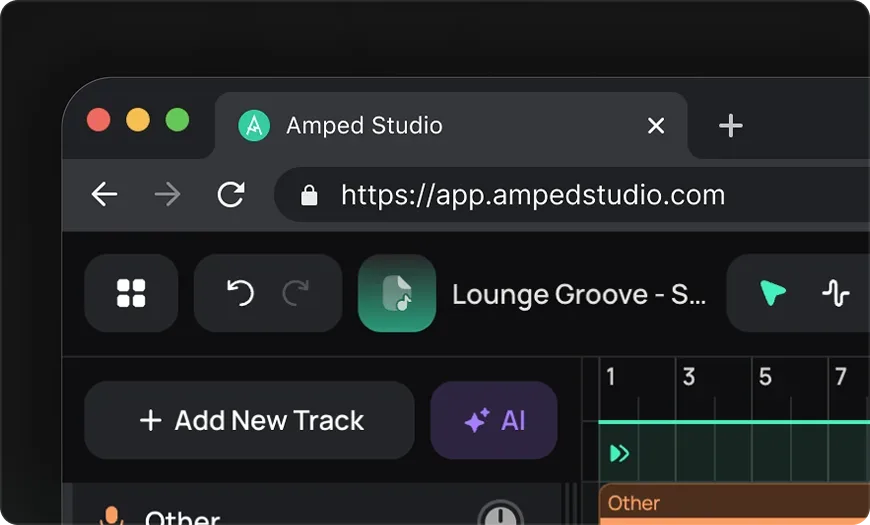
A DAW, or digital audio workstation, is the music making software producers use to record, arrange, mix, and finish a track. An online DAW does all of that in a web browser instead of DAW software you install on one computer.
A desktop DAW is tied to one machine. You download it, install it, and set it up before you can open a project. A web DAW skips all of that. It opens in your browser, saves your work to the cloud, and reopens on any computer you sign in on. Because it's a cloud-based DAW, you sign in on any computer and your projects are already there.
What's Inside
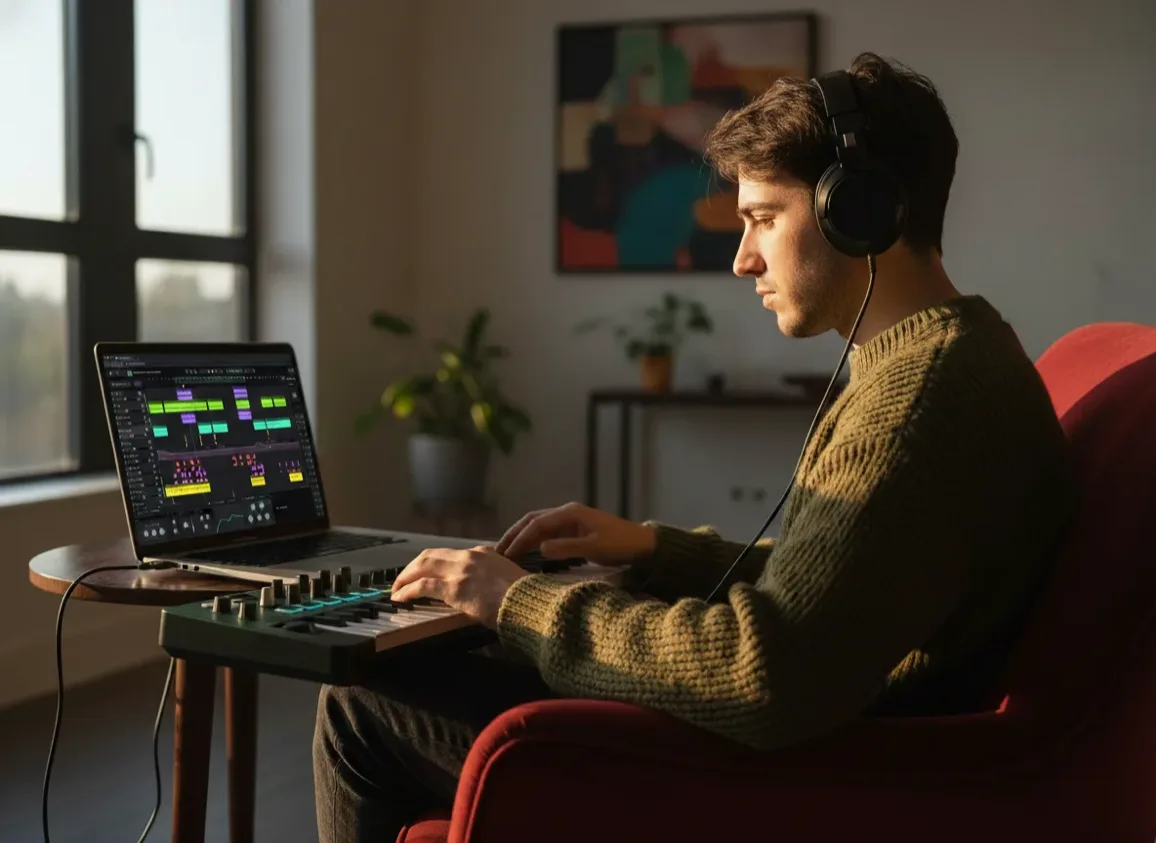
Everything you need to produce a track
Everything you need to make a track, in one place.

Record vocals and instruments
Capture takes from your mic or interface and arrange them on the timeline. Music recording software you open and use in seconds.

Beats and drum machine
Program drum patterns with Drumpler, then build them into full arrangements.

MIDI editor, piano roll, and sequencer
Write and edit melodies, chords, and patterns note by note.

Virtual instruments and synths
Play built-in synths, keys, and bass from your computer keyboard, or plug in a MIDI keyboard for the full feel.

Effects and mixing
Shape your sound with EQ, compression, reverb, delay, and a full mixer.

Loops and samples
Pull ready-made loops and sounds from the built-in library.

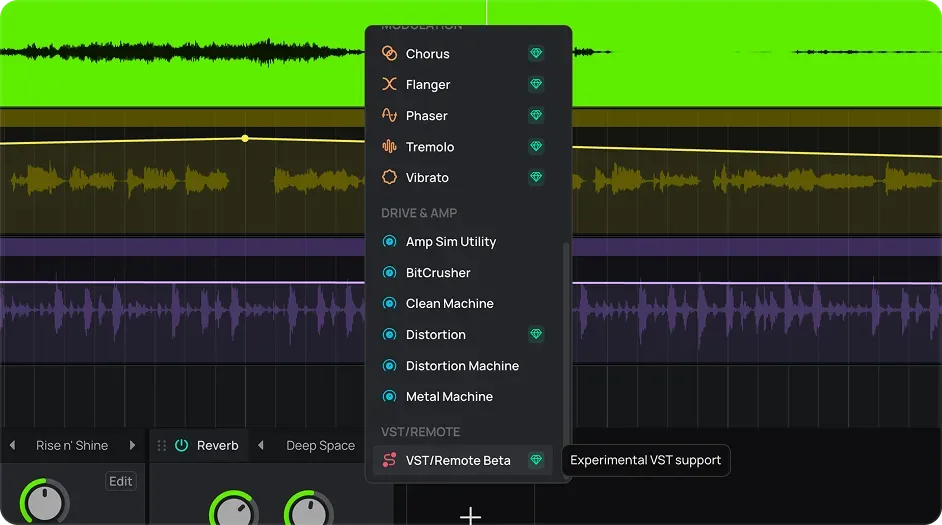
VST3 plugins
Host the VST3 plugins installed on your computer, right in the browser, through VST Remote.
AI Inside the Studio
AI that helps you make the music
The AI here doesn't make the track for you. It gives you something to start from: a single instrument isolated from a track, or a multi-track project to build on. It leaves the arranging, editing, and producing to you, all inside your project, no switching apps.


Split any song into stems
isolate vocals, drums, bass, and more from a track, then work with the parts in your project.


Start from an AI sketch
generate a multi-track starting point from a genre, then build it into a finished track yourself.
Online vs Desktop
Online DAW or desktop DAW?
Online DAW
Amped Studio
✓ Install:
None — runs in your browser
✓ Cost to start:
Free
✓ Hardware:
No high-end machine needed
✓ Projects:
Saved to the cloud, open anywhere
Install
Desktop DAW
Install:
Download and install per machine
Cost to start:
Often paid, or a limited trial
Hardware:
Often needs a capable computer
Projects:
Tied to one machine
Who It's For
Who it's for
Beginners
The easiest way into music production. Nothing to install, no upfront cost, beginner music production software that just opens and works.
Producers
A full studio you can open anywhere, on any computer.
Beatmakers
Drum programming, sampling, and arrangement in one place.
Songwriters
Record ideas, build them out, finish a full track.
Content creators
Record voiceovers, edit audio, build custom tracks, use built-in AI.
PRICING
The DAW is free. Pay only for more.
The DAW itself is free, recording, audio and MIDI editing, instruments, effects, and mixing, with no time limit. It's one of the few genuinely free options in music production software, not a stripped-back trial. Paid plans add more instruments and effects, extra storage, VST3 support, and the AI tools.
Starter
FREE
✓ AI Splitter Demo
✓ AI Assistant Demo

Included: Unlimited projects, 16 Tracks, MP3 Export, 5 Instruments, 10 Effects
Premium
$6.99 / mo
✓ AI Splitter Demo
✓ AI Assistant Demo
Included: Unlimited projects, Unlimited Tracks, 10GB storage, VST3, WAV Export, 9 Instruments, 21 Effects, 2 Sample Packs
Recommended
Pro
$12.99 / mo
✓ AI Splitter
✓ AI Assistant

Included: Unlimited projects, Unlimited Tracks, 50GB storage, VST3, WAV Export, 9 Instruments, 21 Effects, 8 Sample Packs
FAQ
Just getting started? Get clear answers to start creating music online.
What is an online DAW?
An online DAW is a digital audio workstation that runs in your web browser. You record, arrange, mix, and produce music the same way you would in a desktop DAW, but the studio opens on any device and saves your work to the cloud.
Is Amped Studio a free DAW?
Yes. The full DAW functionality, recording, audio and MIDI editing, instruments, effects, and mixing, is free with no time limit. That makes it one of the best free music production software options for finishing complete tracks. Paid plans add more instruments and effects, extra storage, VST3 support, and the AI tools.
Do I need to download or install anything?
No. Amped Studio runs entirely in your browser. Open the page, sign in, and start making music, no download, no install.
Where are my projects saved?
Your projects save automatically to the cloud as you work. Because Amped Studio is a cloud DAW, you can close the tab and reopen a project later, or on a different computer, without moving any files.
Can I use VST plugins in the browser?
Yes. Through VST Remote, Amped Studio hosts the VST3 plugins installed on your computer, so you can use your own instruments and effects in the browser. VST support is a paid feature.
Is it good for beginners?
Yes. There's nothing to install and no cost to start, so you can learn the basics of music production without setting anything up. As beginner music production software it covers recording, beats, MIDI, and mixing in one place.

LET'S TRY
Make Music Now.
No Downloads,
Just Your Browser.
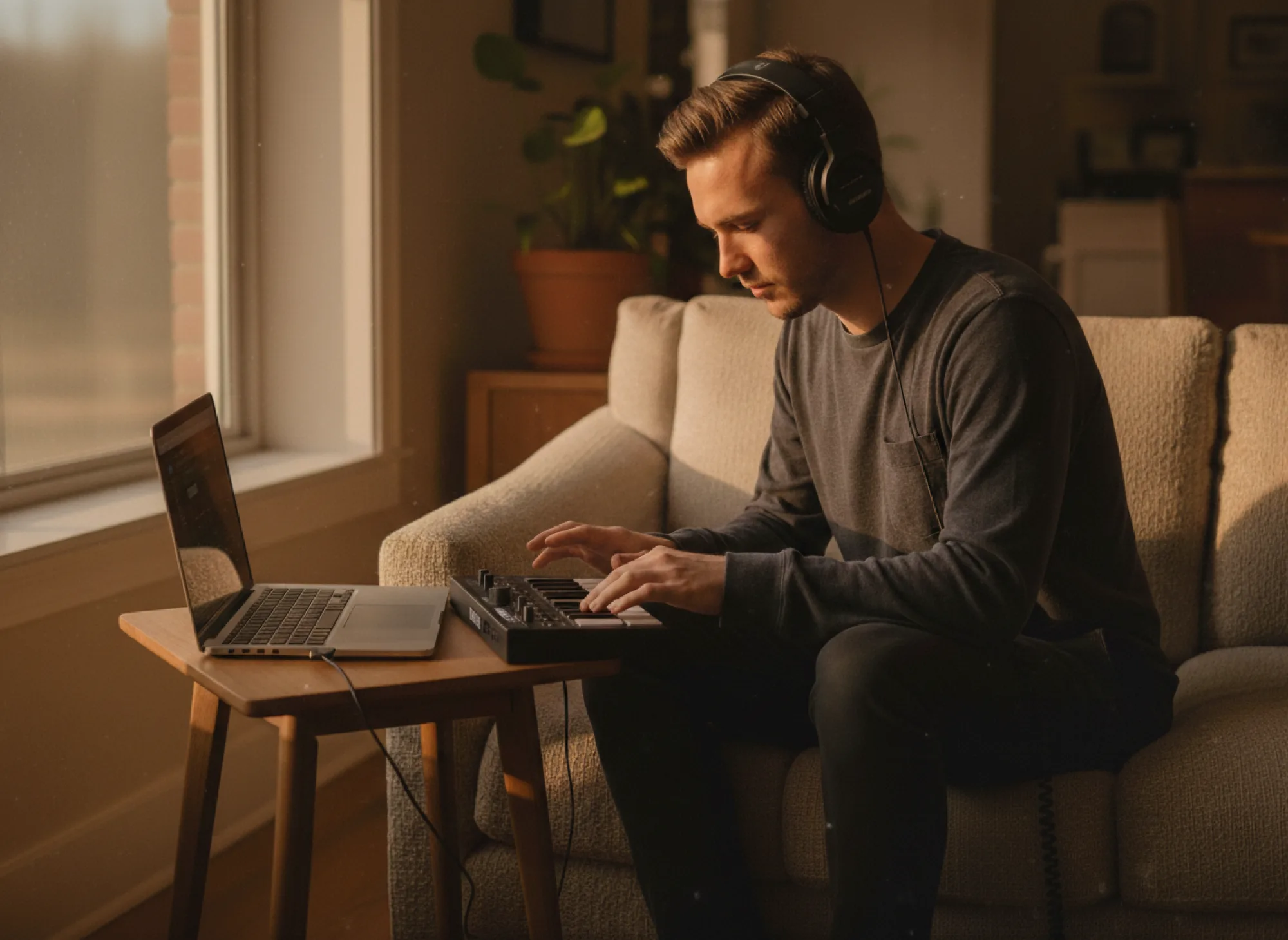
A free online DAW that runs in your browser. Produce, record, and mix full tracks in Amped Studio, no download, no install.